Try searching "managed IT support pricing" online. You'll find page after page of "contact us for a custom quote" and "pricing depends on your needs." That's true — but it's also a way to avoid transparency. You deserve real numbers before you pick up the phone. So here's what Ontario businesses actually pay for managed IT support in 2026, what's included at each level, and the hidden costs that catch people off guard.
Per-Seat Pricing: The Industry Standard
Most managed IT providers in Ontario price their services per seat (per user) per month. Here's what the tiers typically look like:
- Basic tier — $75–$100/seat/month: Remote monitoring and alerting, patch management (OS and critical application updates), antivirus/endpoint protection management, basic email support during business hours. This covers the essentials — keeping your systems updated, protected, and watched. But if something breaks, you're often paying extra for the fix.
- Standard tier — $100–$150/seat/month: Everything in basic, plus helpdesk support (phone, email, and remote access), cloud backup management, vendor liaison (dealing with your ISP, software vendors, printer companies on your behalf), and quarterly business reviews. This is the most popular tier for businesses with 10–50 employees. It covers day-to-day IT needs without surprise bills for routine support calls.
- Premium tier — $150–$200/seat/month: Everything in standard, plus on-site support visits (typically a set number per month), advanced cybersecurity (managed firewall, email security gateway, dark web monitoring, security awareness training), compliance support (for healthcare, legal, or financial businesses), and strategic IT planning with a dedicated virtual CIO (vCIO). This tier is for businesses that rely heavily on technology and can't afford downtime or security gaps.
For a 25-person office, that translates to roughly $1,875–$5,000/month depending on the tier. Most businesses in the 15–50 seat range land in the standard tier at $100–$150/seat.
Per-Device Pricing: An Alternative Model
Some providers price per device rather than per seat. This can work better for businesses where employees use multiple devices (laptop, desktop, phone) or where there are many shared devices (retail terminals, warehouse scanners, production equipment). Per-device pricing typically runs $30–$75/device/month, depending on the device type and management level.
The math usually works out similarly to per-seat pricing, but per-device can be more transparent because you're paying for exactly what's managed — no ambiguity about whether a user's personal phone counts as a "seat."
Break-Fix vs Managed: The Real Cost Comparison
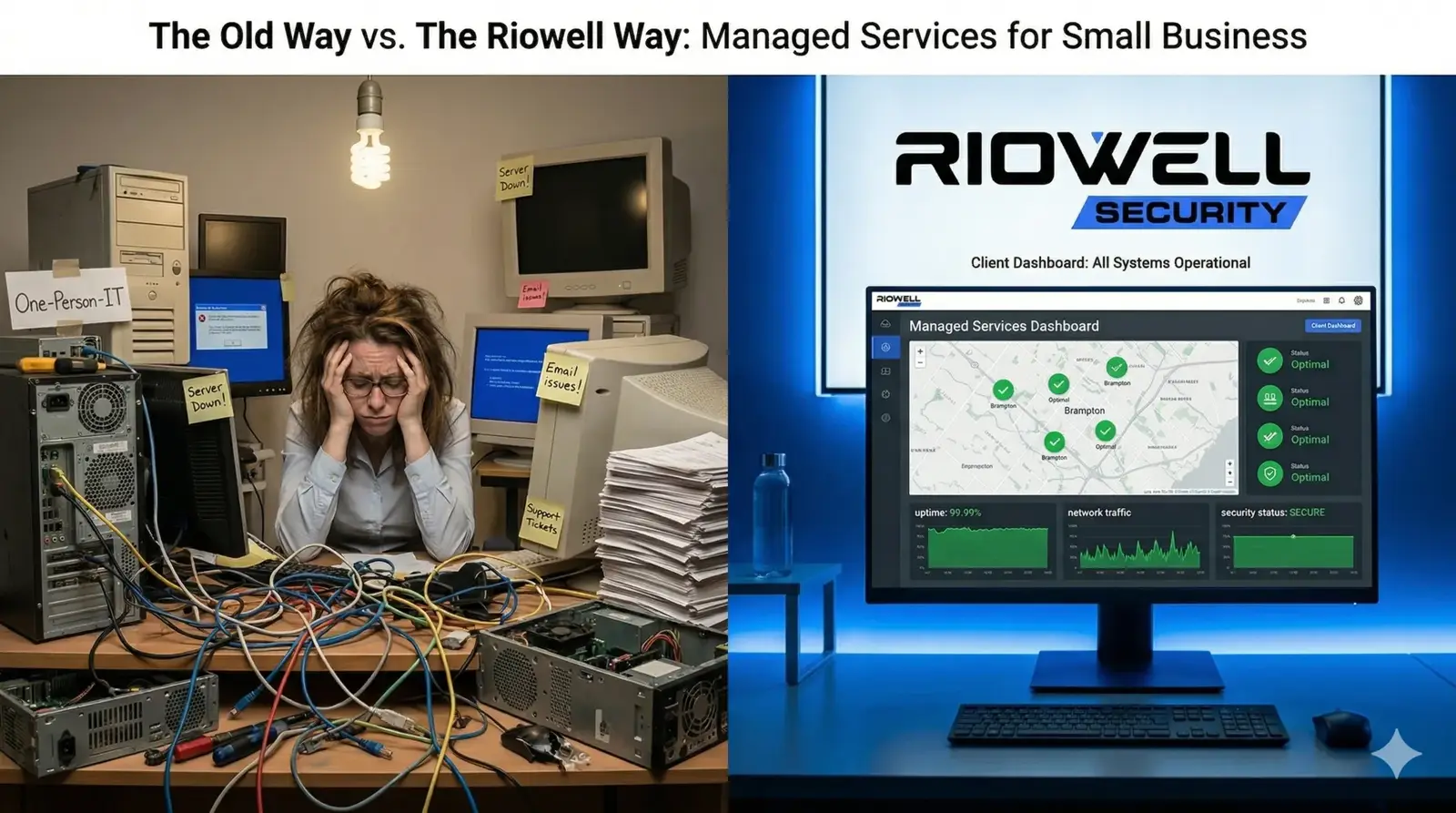
Some business owners look at managed IT pricing and think: "I'll just call someone when something breaks — it'll be cheaper." Here's why that logic usually fails.
Break-fix IT charges $125–$200/hour, typically with a 1–2 hour minimum per visit. A server crash on a Tuesday afternoon might take 4–8 hours to diagnose and fix — that's $500–$1,600 just for the repair. But the real cost is downtime: if your 25-person office can't work for half a day, and your average loaded labour cost is $45/hour per employee, that's $4,500 in lost productivity — on top of the repair bill.
Managed IT prevents most of these incidents through proactive monitoring, patching, and maintenance. The server crash that costs $5,000+ in break-fix mode often doesn't happen at all under managed service because the warning signs were caught and addressed weeks earlier.
Break-fix makes sense for very small businesses (2–3 people) with simple technology needs and high tolerance for downtime. For everyone else, managed IT is less expensive when you factor in downtime costs, not just invoice totals.
Hidden Costs to Watch For
This is where managed IT contracts get tricky. Many providers advertise an attractive per-seat price but bury additional costs in the fine print. Here's what to look for:
- Onboarding fees: Some providers charge $500–$5,000 upfront to document your environment, install their monitoring tools, and migrate your systems. This is legitimate work, but it should be disclosed before you sign — not discovered on your first invoice.
- Project work billed separately: Your monthly fee covers day-to-day support. But a server migration, office move, or new software deployment? That's a "project" billed at $150–$200/hour on top of your monthly fee. Ask explicitly: what's included in the monthly rate, and what's considered project work?
- After-hours surcharges: Your server goes down at 9 PM on a Friday. Some providers charge 1.5x–2x their normal rate for after-hours support, even on the premium tier. If your business operates outside 9–5, make sure after-hours support is included or priced clearly.
- Hardware and software markups: When your provider recommends a new firewall or laptop, they may be marking up the hardware 20–40% above retail. This isn't inherently wrong — they're providing procurement and configuration services — but you should know the markup exists.
- Contract exit fees: Some providers lock you into 2–3 year contracts with steep early termination penalties — sometimes equal to the remaining contract value. If a provider requires a multi-year commitment, that's a red flag. Good providers earn your business monthly; they don't need a legal cage to keep you.
Questions to Ask Before Signing
Before you commit to any managed IT provider, ask these questions — and get the answers in writing:
- What exactly is included in the monthly per-seat price? Get a written scope of service.
- What's considered "project work" and how is it billed?
- What are your response time guarantees? (Look for under 1 hour for critical issues, under 4 hours for standard requests.)
- Is after-hours and weekend support included? If not, what's the surcharge?
- What's the contract term? Is there an early termination fee?
- What happens to our data and access if we leave? (Ensure you retain ownership of all credentials, documentation, and backups.)
- Do you provide a dedicated account manager or vCIO?
- Can you provide references from businesses similar to ours?
When Managed IT Makes Sense — and When It Doesn't
Managed IT makes sense when: You have 10 or more employees, your business depends on technology to operate (email, cloud apps, specialized software), you don't have a full-time IT person on staff, you handle sensitive data (client records, financial data, health information), or downtime directly costs you revenue.
Managed IT may not make sense when: You have 2–3 employees using basic tools (email and a web browser), your technology needs are minimal and stable, or you already have a competent in-house IT person and just need occasional overflow support.
For businesses in the 5–10 seat range, it depends on complexity. A 7-person law firm handling confidential client data has very different IT needs than a 7-person landscaping company. The law firm almost certainly needs managed IT; the landscaping company might not.
What Riowell IT Support Includes
We offer managed IT support for Ontario businesses with transparent, all-inclusive pricing. No onboarding fees, no contract lock-in, no after-hours surcharges. Our standard managed package includes remote monitoring, patch management, helpdesk support, cloud backup, endpoint security, and vendor management — everything most businesses need without paying for extras they don't.
Want an exact quote for your business? Call us at (905) 550-0490) or use the contact form below. We'll assess your environment and give you a clear, written proposal — no obligation, no surprises.